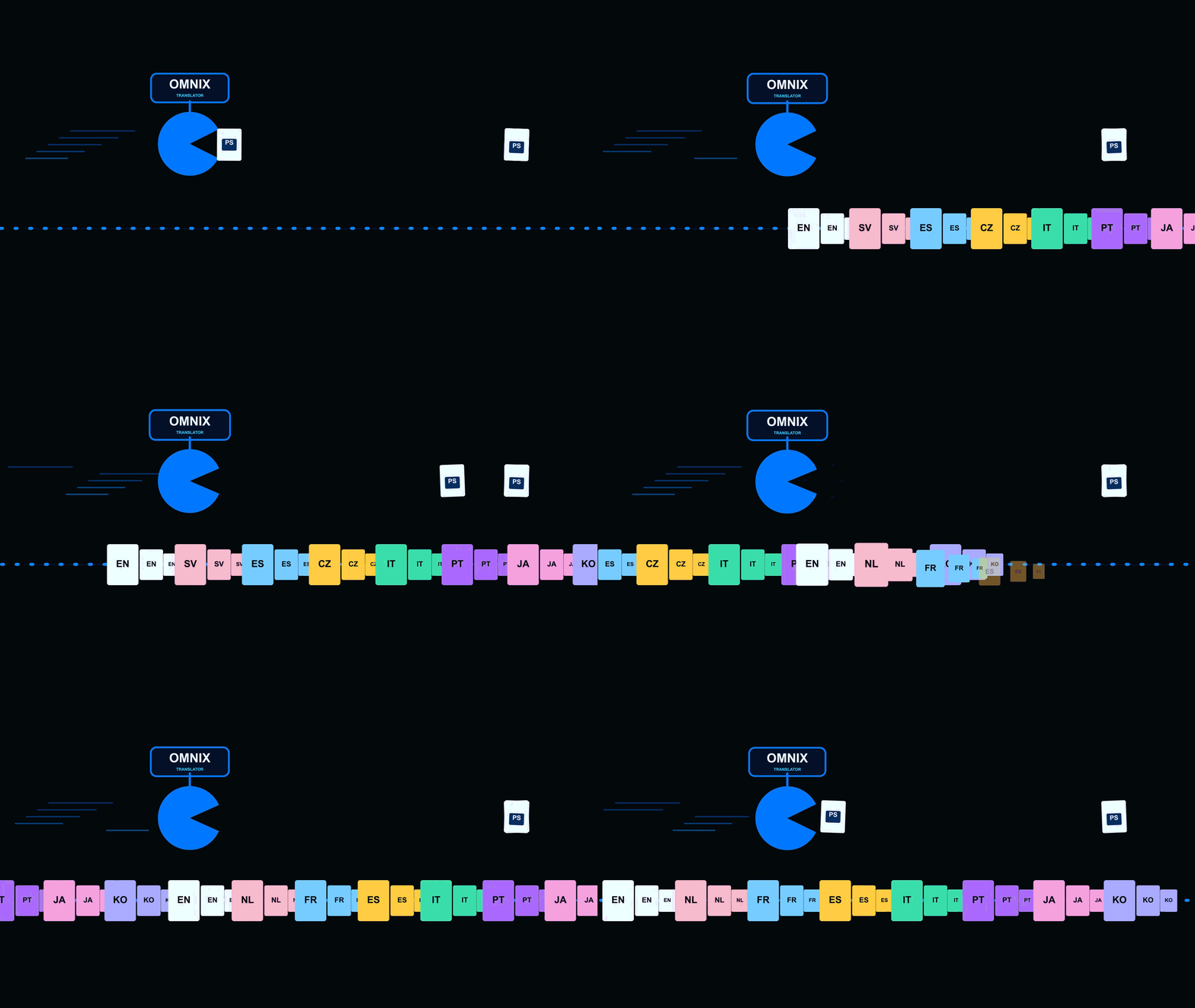
Translate Smarter with Benedict

Seamlessly integrate translation into Adobe with our powerful UXP plugin.

Our Services

Seamless translation tools crafted for Adobe users.

Autofit Translated Text

Autofit function fits all your Translated Texts inside precisely.

Screenshot of the plugin interface showing instant translation in Adobe Photoshop.
Offline AI Translate

No need to expose your texts on thirdparty Cloud.Keep your translations 100% private and offline

Visual of the plugin syncing translations in real-time on a dark-themed Adobe workspace.
Screenshot of the Azuralingua plugin interface showing translation options within Adobe UXP.

Gallery

A closer look at Azuralingua in action inside Adobe apps.

Close-up of the plugin translating text layers seamlessly on a dark-themed Adobe workspace.
Visual demo of Azuralingua’s language selection and instant translation features on screen.

Meet Benedict Omnix

Benedict is a Adobe UXP plugin that makes translation seamless and fast within your creative workflow.

Screenshot of azuralingua plugin interface showing translation options on a dark blue themed background.
Fast Translation
Easy Integration

Translate text directly inside Adobe apps without switching tools, saving time and keeping your projects flowing smoothly.

Contact

Questions? Reach out anytime, we're here.

Email

Get in touch

support@azuralingua.com

© 2025. All rights reserved.